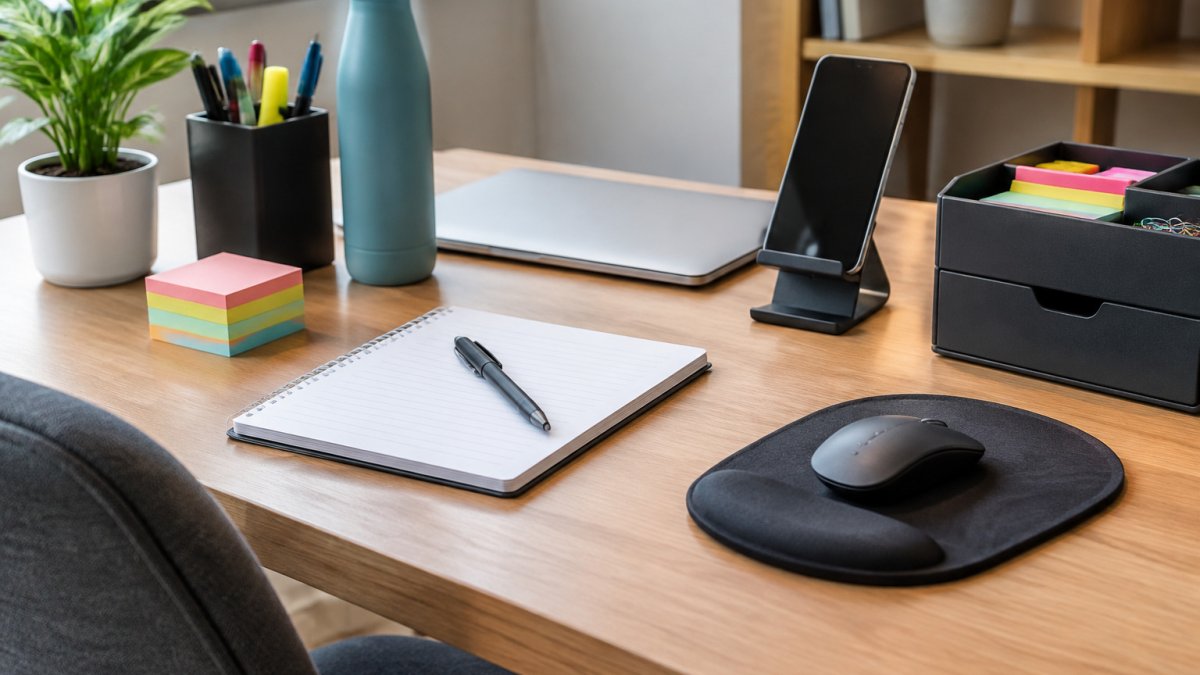
Last Updated: November 21, 2026
Quick Summary
The best budget friendly desk accessories for productivity are the ones that fix a daily friction, starting with screen height, cable control, and input comfort. Prioritize a monitor stand or laptop riser first, then cheap cable clips and ties, a wrist rest, and organizers before lighting and charging.
- A monitor stand or riser comes first because neck strain affects every hour at the desk.
- Cable clips and ties are typically the lowest-cost category and the one most people skip.
- A 5-in-1 hub covers most single-laptop setups; a 7-in-1 only pays off with more devices.
- Raising a laptop screen to eye level requires a separate keyboard and mouse for long sessions.
- Match accessories to your desk: under 40 inches wide, go vertical and skip desktop trays.
Table of Contents
- Why Budget Desk Accessories Are Worth Buying
- Desk Gadgets Under $50 That Earn Their Place
- Affordable Desk Organizers That Cut Clutter
- Ergonomic Desk Accessories for All-Day Comfort
- Cable Management and Lighting on a Budget
- Home Office Accessories for Productivity by Work Style
- How to Prioritize Your Budget Desk Accessories
- Outfitting a Whole Team? Start With the Furniture
- Frequently Asked Questions
Why Budget Desk Accessories Are Worth Buying
The best budget friendly desk accessories for productivity solve a specific problem: they remove small frictions that quietly drain your focus.
The accessories that earn their keep are rarely the expensive ones. They are the ones that fix a daily annoyance.
Below, we break down seven categories of affordable desk accessories, what each does for your workflow, and how to prioritize spending. Each entry explains who it suits.
Most guides get this wrong: they list gadgets without telling you which ones matter for your work style.
Desk Gadgets Under $50 That Earn Their Place
A desk gadget earns its place when it removes a repeated task or daily physical strain. The four categories below cover the most common frictions in a budget home office: dead batteries, bad screen height, tangled power, and a phone that pulls your eyes away. Each entry covers the mechanism, price band, and who should skip it.
Check current listings before you buy, as prices for budget electronics change often.
Charging Stations and USB Hubs
A charging station or USB hub is the highest-return gadget for most people because it removes two frictions at once: hunting for an outlet and cable sprawl. A powered hub with enough wattage to charge a laptop while connecting a monitor also lets you drop a separate power brick, freeing a socket and desk space.
What to look for:
- Port count that matches your devices. A 5-in-1 hub covers most single-laptop setups; a 7-in-1 only pays off if you run an external monitor, card reader, and wired peripherals.
- Power delivery. Look for a hub rated to pass through enough wattage for your laptop; otherwise the power brick stays on the desk.
- Cable length. Short built-in cables keep the station tidy; a longer cable reaches a floor outlet so the strip stays out of sight.
Pricing depends on the device and the features you need, so check current listings before you buy. A common mistake is buying more ports than you use; extra ports add cost and clutter.
Watch out: a cheap unpowered hub can drop a connected monitor or slow a laptop’s charge. If the listing does not state pass-through wattage, assume it will not charge a laptop.
Monitor Stands and Laptop Risers
A monitor stand or laptop riser fixes the most common ergonomic problem in home offices: screens that sit too low.
The budget options fall into three camps:
- Fixed wooden or metal riser. Simple, sturdy, and usually cheapest. Good if one person uses the desk and the height fits.
- Adjustable stand. Lets you fine-tune height and angle, which matters if more than one person uses the desk or you switch between sitting and standing.
- Laptop riser plus external keyboard. Raising a laptop screen to eye level puts the keyboard too high, so a riser only works for long sessions with a separate keyboard and mouse.
Pricing depends on the model and features, so check current listings before you buy. Measure your seated eye height before you buy.
Watch out: a riser that is too tall pushes the screen above eye level, which strains your neck in the opposite direction.
Cable Clips and Under-Desk Trays
Cable clutter is cheap to fix and the fix is immediate. Clips and ties route cords along the desk edge so they stop snagging; an under-desk tray gets the power strip off the floor and out of view. The gain is fewer snags when you move a device and less time tracing cables.
This is typically the lowest-cost category on the list and the one most people skip.
A Basic Phone Stand
A phone stand holds the phone at a readable angle so you stop picking it up to check notifications. Keeping it propped and face-up at the edge of your view reduces the pick-up-and-unlock loop that breaks focus.
Skip it if you already keep your phone out of the room during focused work; the stand only helps if the phone is on the desk.
What to Skip at This Price
Not every cheap gadget earns its place. A second charging cable for every device, a novelty desk toy, and a hub with ports you cannot name a use for usually add clutter. The test is whether the item removes a task you do daily. If not, it is decoration, not a productivity accessory.
Affordable Desk Organizers That Cut Clutter
Affordable desk organizers work by giving every item a fixed home. When your stapler, pens, and notepads always live in the same spot, you stop scanning the desk to find them.
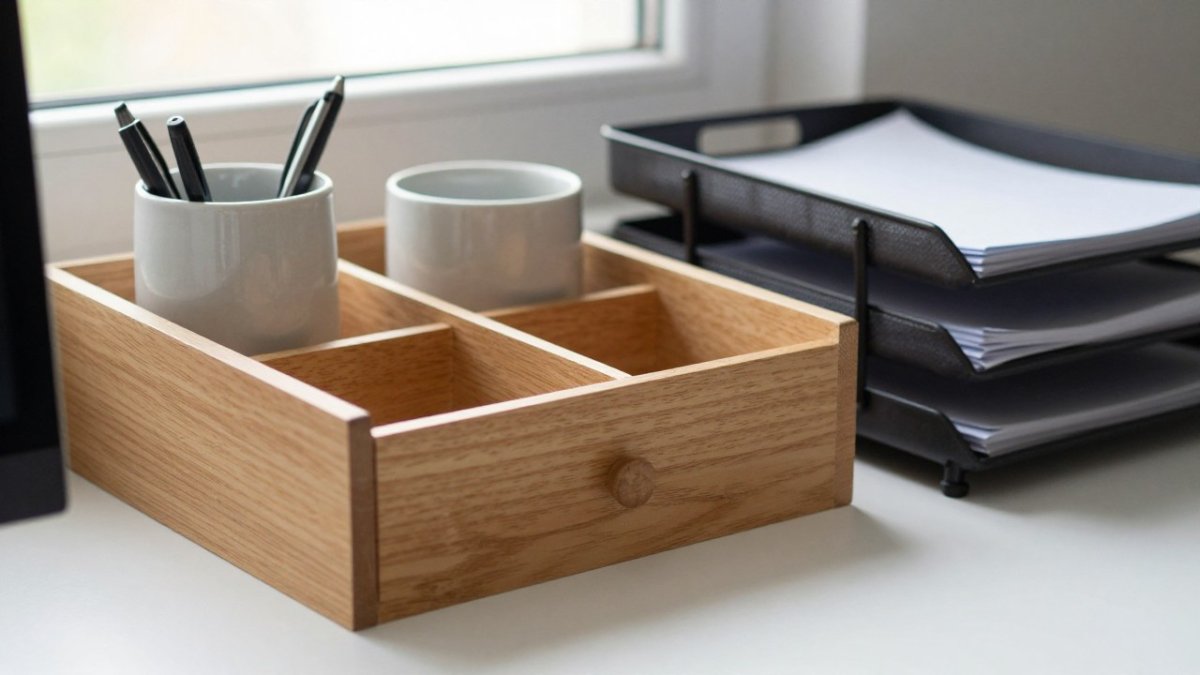
The most effective low-cost organizers:
- Drawer dividers to separate small supplies
- Desktop trays for incoming papers and mail
- A pen cup or caddy for writing tools
A clean workspace is not about minimalism for its own sake. For a full method, see our guide on how to organize a compact home office.
Ergonomic Desk Accessories for All-Day Comfort
Ergonomic desk accessories protect your body during long sessions. The three with the best return for the money are a wrist rest, a desk mat, and an adjustable keyboard and mouse position.
A wrist rest keeps your wrists neutral while typing. A desk mat gives your chair and keyboard a stable base and protects the desktop surface.
For a complete budget ergonomic plan, our article on setting up an ergonomic home office on a budget walks through the sequence.
Cable Management and Lighting on a Budget
Cable management and lighting are the two upgrades that change how a workspace feels, not just how it functions. Both can be handled cheaply.
For cables, the essentials are cable clips, velcro ties, and an under-desk tray. Our 7-step cable management guide covers the full process.
For lighting, a single adjustable desk lamp beats overhead fluorescents for focused work. Position it opposite your writing hand to avoid shadows.
Home Office Accessories for Productivity by Work Style
Home office accessories for productivity should match how you spend your day and how much desk you have. The right pick for a writer differs from one for someone on calls all afternoon, and both differ from a student on a 36-inch dorm desk. Most guides stop at a work-style table; this one adds the constraint that usually decides the purchase: available space.
Match the Accessory to the Work
| Work Style | Priority Accessory | Why It Helps | Typical Budget Range |
|---|---|---|---|
| Heavy typing | Wrist rest and external keyboard | Keeps wrists neutral and hands lower than a laptop allows | $15 to $40 combined |
| Video calls | Laptop riser and desk lamp | Eye-level camera, even lighting on your face | $25 to $55 combined |
| Multi-device work | Charging station and USB hub | One place for every device, fewer cables | $20 to $45 |
| Paper-heavy work | Desktop trays and drawer dividers | Fixed homes for documents and small supplies | $15 to $35 |
| Mixed use | Adjustable monitor stand | Fits different tasks and different users | $20 to $40 |
Match the Accessory to the Desk You Have
The same work style can call for a different purchase depending on space. These are the constraints that change the answer:
- Small desk (under 40 inches wide). Skip the desktop trays and go vertical: a monitor-stand shelf that stores underneath, a clamp-on lamp instead of a freestanding one, and a hub mounted under the desk rather than sitting on it. Every item that sits on the surface costs you working room.
- Shared or hot-desking workspace. Favor accessories that adjust or pack away: an adjustable monitor stand, a folding laptop riser, and a wrist rest you can drop in a bag. Fixed-height risers only work if the desk is yours alone.
- Remote worker with a dedicated room. You have room for the full sequence, so spend first on screen height and input comfort, then on organization and lighting.
Accessibility and Ergonomic Fit
No single setup suits everyone. A wrist rest that helps one typist can push another’s wrists into an awkward angle if the keyboard is already at the wrong height.
If you have an existing strain or diagnosed condition, treat accessory purchases as a complement to, not a substitute for, a proper ergonomic assessment. The U.S. Occupational Safety and Health Administration publishes plain-language computer workstation guidance worth reading before you spend.
A Note on Long-Term Value
Budget does not mean disposable. Before buying, check whether the item has a warranty, whether replacement parts or cables are sold separately, and whether the build material matches daily use. Cost per year of use matters more than the sticker price.
For a broader look at building a productive setup, see the essential home office setup for productivity.
How to Prioritize Your Budget Desk Accessories
Prioritize your budget desk accessories by fixing the biggest daily friction first. Use this order:
- Screen height. A monitor stand or riser comes first because neck strain affects every hour at the desk.
- Cable control. Clips and ties are cheap and remove visual noise immediately.
- Input comfort. A wrist rest and external keyboard reduce strain during long typing sessions.
- Organization. Trays and dividers cut the time spent hunting for supplies.
- Lighting. A desk lamp improves focus and reduces eye strain.
- Charging. A hub or station tidies power and keeps devices ready.
For a full productivity setup overview, our guide on the essential home office setup explains how the pieces fit together.
Outfitting a Whole Team? Start With the Furniture
Outfitting a whole team means the accessories come after the furniture. Chairs and desks set the ergonomic baseline. Accessories refine it.
Office Furniture Warehouse stocks new and pre-owned furniture, including brands like Steelcase and Herman Miller. For current pricing on these brands, check our website or request a quote.
We also offer design and layout planning to help furnish a workspace as a matched set. If you are furnishing a full office on a budget, our 7-step office furnishing guide lays out the roadmap.
The real challenge is not picking accessories. It is building a workspace where furniture and small upgrades work together.
Frequently Asked Questions
What are the best budget desk accessories for productivity?
Start with items that fix a daily friction point: a monitor stand or laptop riser to bring your screen to eye level, a wrist rest for typing comfort, a charging station to clear cable clutter, and a simple drawer organizer. Each of these costs little and changes how your desk works every day. Buy one at a time and see which change you notice most before adding the next.
Are desk accessories worth buying for a home office?
They are worth it when they solve a specific problem. A $20 wrist rest that reduces strain during eight-hour typing days pays for itself quickly. A cable tray that keeps cords off the floor makes cleaning and rearranging easier. Skip decorative items that do not change how you work. Focus on comfort, organization, and cable control first, then add style once the functional pieces are in place.
Which ergonomic desk accessories matter most on a tight budget?
Prioritize the three that affect posture and strain: a laptop stand or monitor riser to raise your screen, an external keyboard and mouse so your arms stay neutral, and a wrist rest for the keyboard edge. These address the most common sources of discomfort for desk workers. Adjustable chairs and sit-stand desks cost far more, so start with these smaller ergonomic desk accessories and upgrade furniture later.
Can affordable desk organizers really reduce clutter?
Yes, if you choose containers that match what you actually keep on the desk. A drawer insert for pens and small tools, a tray for papers, and a phone stand cover most clutter sources. The key is giving every item a fixed home so it does not drift back onto the work surface. Measure your drawer and desktop space before buying so the organizers fit without crowding your workspace.

