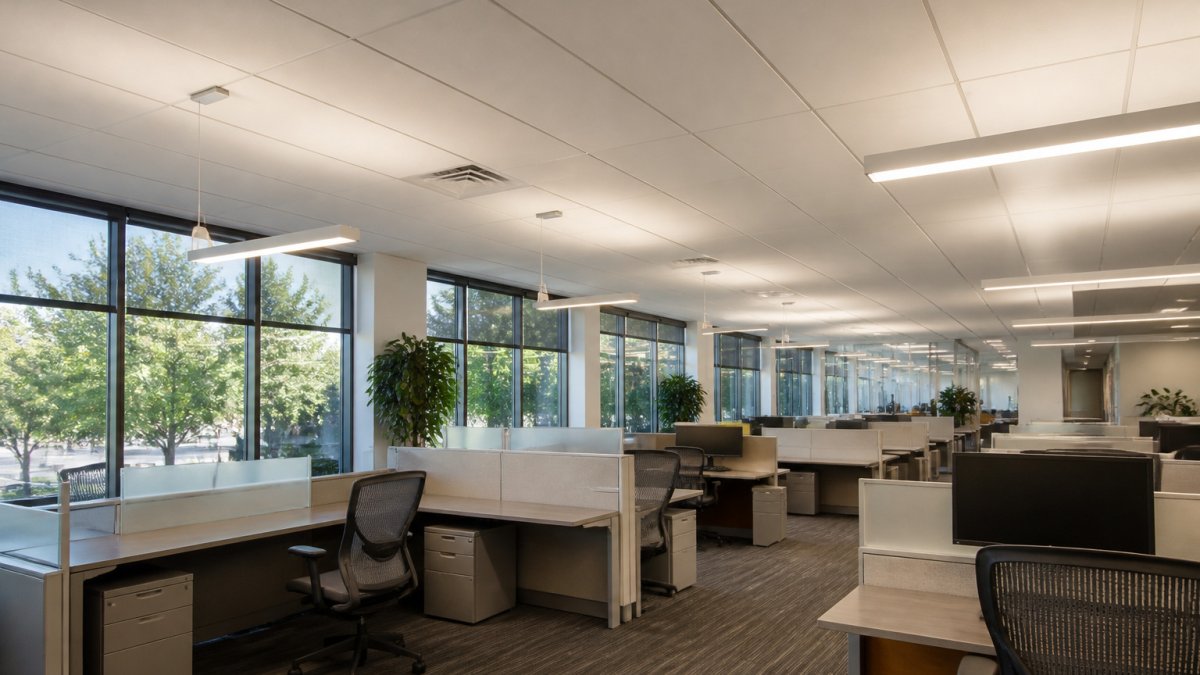
Quick Summary
Optimize office lighting for employee wellness by matching light levels, color temperature, and placement to each task. Measure illuminance at desk height, then layer ambient, task, and indirect light. Keep screens free of glare, use daylight where possible, and give employees personal control over their light.
- Measure illuminance at desk height, about 30 inches above the floor, not at the ceiling.
- Screen-based desk work typically targets 30 to 50 foot-candles, while detailed paperwork targets 50 to 75.
- Specify fixtures with a color rendering index of at least 80, and 90 or higher for color-critical work.
- Position desks perpendicular to windows and use blinds or films to control harsh direct sun.
- Layer ambient, task, and indirect lighting so each person can set their own light level.
Table of Contents
- Why Office Lighting Affects Employee Wellness and Productivity
- Step 1: Audit Your Current Office Lighting
- Step 2: Choose the Best Color Temperature for Office Productivity
- Step 3: Use Natural Light and Daylight Access Wisely
- Step 4: Layer Task, Ambient and Indirect Lighting
- Step 5: Control Glare and Set Up Each Workstation
- Step 6: Meet OSHA Lighting Requirements for Office Spaces
- Booking Your Workspace Lighting Review With Office Furniture Warehouse
- Frequently Asked Questions
How Do You Optimize Office Lighting for Employee Wellness?
Last Updated: November 1, 2026
Why Office Lighting Affects Employee Wellness and Productivity
Office lighting shapes how employees feel and how well they work, often without anyone noticing. Lighting is one of the most overlooked parts of furnishing and rearranging a workspace.
Poor lighting causes real problems. Dim rooms make people squint, and harsh glare on screens leads to headaches and tired eyes.
Good lighting does the opposite. It helps people see clearly, stay alert, and stay comfortable.
- Check how much light each workspace gets
- Pick the right color temperature for the work being done
- Use daylight where you can
- Layer task, ambient, and indirect lighting
- Control glare at every desk
- Confirm your lighting meets OSHA requirements
Step 1: Audit Your Current Office Lighting
A lighting audit turns vague complaints (“it’s too bright,” “I can’t see”) into a prioritized list of fixes. A focused audit can often be completed in a few hours for a typical office floor, and repeating it quarterly can help catch seasonal daylight shifts. If you are still deciding how the room should be arranged before you audit it, office space planning services walk through the process step by step.
A Repeatable Five-Stage Audit
- Map the space and tasks. Sketch the floor plan and mark desk clusters, meeting rooms, circulation paths, break areas, and any screen-heavy workstations. Note which tasks are detail-oriented (reading contracts, reviewing drawings) versus screen-based or collaborative. Task mix, not square footage, should drive your light targets.
- Measure illuminance at the work surface. Use a handheld light meter or a calibrated phone app. Take readings at desk height (about 30 inches above the floor), not at the ceiling, and record the lowest and highest readings in each zone. Large differences in light between desks in an open plan can signal over-lit and under-lit pockets.
- Check for glare and reflections. Sit at representative desks and look at each monitor from the employee’s normal viewing angle. Note direct glare from fixtures or windows and reflected glare (veiling reflections) on screens and glossy surfaces. Do this at the time of day when sun is strongest, not just in the morning.
- Collect employee feedback. A short anonymous survey works better than a suggestion box. Ask about eye strain, headaches, screen readability, and whether they can adjust their own light. Pair survey results with the measurement data so you can separate real lighting problems from layout or monitor issues.
- Prioritize fixes by cost and impact. Rank findings into quick wins (reposition a monitor, add a blind, swap a lamp), medium fixes (add task lighting, re-circuit fixtures), and capital projects (retrofit with tunable LEDs). Fix the highest-impact, lowest-cost items first and re-measure after each round.
Illuminance Targets by Task and Space
Illuminance is the amount of light falling on a surface, measured in foot-candles (fc) in the United States; lux is the metric equivalent (1 fc ≈ 10.76 lux). Recommended lighting practice for offices is published by professional lighting organizations, and workplace guidance commonly falls within the ranges below. Treat these as starting points, not absolutes, local codes and the specific task should drive final targets.
| Space or task | Typical target (fc) | Notes |
|---|---|---|
| Screen-based desk work | 30-50 | Lower ambient light reduces screen glare; pair with task lighting |
| Reading and detailed paperwork | 50-75 | Higher contrast tasks need more light at the desk surface |
| Meeting and conference rooms | 30-50 | Dimming helps for presentations; avoid over-lighting |
| Circulation and hallways | 10-20 | Safety and wayfinding, not task performance |
| Break rooms and lounges | 10-30 | Warmer, dimmable light supports relaxation |
These ranges are guidance, not a compliance checklist. Verify against the Illuminating Engineering Society lighting recommendations and any applicable local code before specifying fixtures, and measure the actual work surface rather than assuming the ceiling layout delivers the target.
What to Record
Keep a simple audit log: date, zone, measured fc range, glare notes, survey themes, and the fix applied. This record supports maintenance planning, helps during inspections, and gives you a baseline to prove whether a change actually improved comfort. Re-audit after any furniture reconfiguration, since desk moves are one of the most common causes of new glare complaints.
Step 2: Choose the Best Color Temperature for Office Productivity
Color temperature describes how warm or cool light looks, measured in Kelvin (K). Warm light around 2700K feels cozy; neutral light around 3500K-4000K reads as crisp without feeling clinical; cooler light around 5000K feels alert and bright. The right choice depends on the task, the time of day, and how much daylight the space already gets.
Practical Color Temperature by Zone
| Zone | Typical range | Why |
|---|---|---|
| Focused screen work | 3500K-4500K | Neutral white supports alertness without the blue-heavy feel of very cool light |
| Detailed paperwork and review | 4000K-5000K | Cooler light improves contrast for fine detail |
| Meeting rooms | 3500K-4000K, dimmable | Neutral light flatters faces and supports both discussion and presentations |
| Break rooms and lounges | 2700K-3000K | Warmer light signals relaxation |
| Circulation | 3000K-4000K | Consistency with adjacent spaces matters more than the exact value |
Avoid mixing very different color temperatures in the same sightline. A 2700K lamp next to a 5000K fixture makes both look wrong and can read as flicker or unevenness even when neither is defective. A common pattern is to keep a room within about 500K-1000K of variation and let warmer light appear only in distinct zones.
Color Rendering and Visual Clarity
Color temperature gets the attention, but color rendering index (CRI) often determines whether people can actually see well. CRI measures how faithfully a light source renders colors compared with a reference source, on a 0-100 scale. For office work, specify fixtures with a CRI of at least 80; for design, color-matching, or client-facing spaces, aim for 90 or higher. A high-CRI 4000K fixture will usually feel clearer and more comfortable than a low-CRI fixture at the same Kelvin and foot-candle level.
When comparing fixtures, match on three numbers at once: Kelvin, CRI, and delivered foot-candles at the work surface. A fixture that wins on Kelvin but loses on CRI or output can make a space feel dimmer and less comfortable despite the “right” color temperature.
Tunable Lighting and Controls
Tunable white fixtures let a space shift from cooler, brighter light in the morning to warmer, dimmer light later in the day. This is useful in spaces with mixed tasks and in rooms with limited daylight. Practical controls to look for:
- Dimming down to at least 10% so meeting rooms and break areas can soften without going dark
- Scene presets for presentation, collaboration, and focus modes
- Zoned control so perimeter desks near windows can dim independently of interior desks
- Manual override at the desk or room level, because personal control consistently ranks among the strongest predictors of lighting satisfaction
Circadian Claims: What Is Established and What Is Emerging
There is broad agreement that light exposure affects alertness, mood, and sleep timing, and that daylight and appropriately timed bright light support healthy circadian rhythms. What is less settled is how much a specific office spectrum or tuning schedule improves sleep or performance for a general workforce. Circadian tuning is often best treated as a comfort and preference feature rather than a proven productivity intervention, and it works alongside daylight access and personal control rather than replacing them.
Choose color temperature by zone and task, specify CRI of 80+ (90+ for color-critical work), and use tunable, dimmable controls to give employees choice. Treat circadian benefits as promising but not yet a substitute for daylight, breaks, and individual control.
Step 3: Use Natural Light and Daylight Access Wisely
Daylight is one of the best sources of light for employee wellness. Many workers report better mood and comfort near windows. Position workstations so people can see outside without facing a window directly.
Use these tips:
- Place desks perpendicular to windows to reduce glare
- Use blinds or films to control harsh direct sun
- Keep window areas clear of tall furniture that blocks light
- Give shared spaces access to daylight when possible
Step 4: Layer Task, Ambient and Indirect Lighting
Layered lighting combines three types of light:
- Ambient lighting fills the room with general brightness
- Task lighting gives focused light for reading and detailed work
- Indirect lighting bounces off walls or ceilings for soft, even light
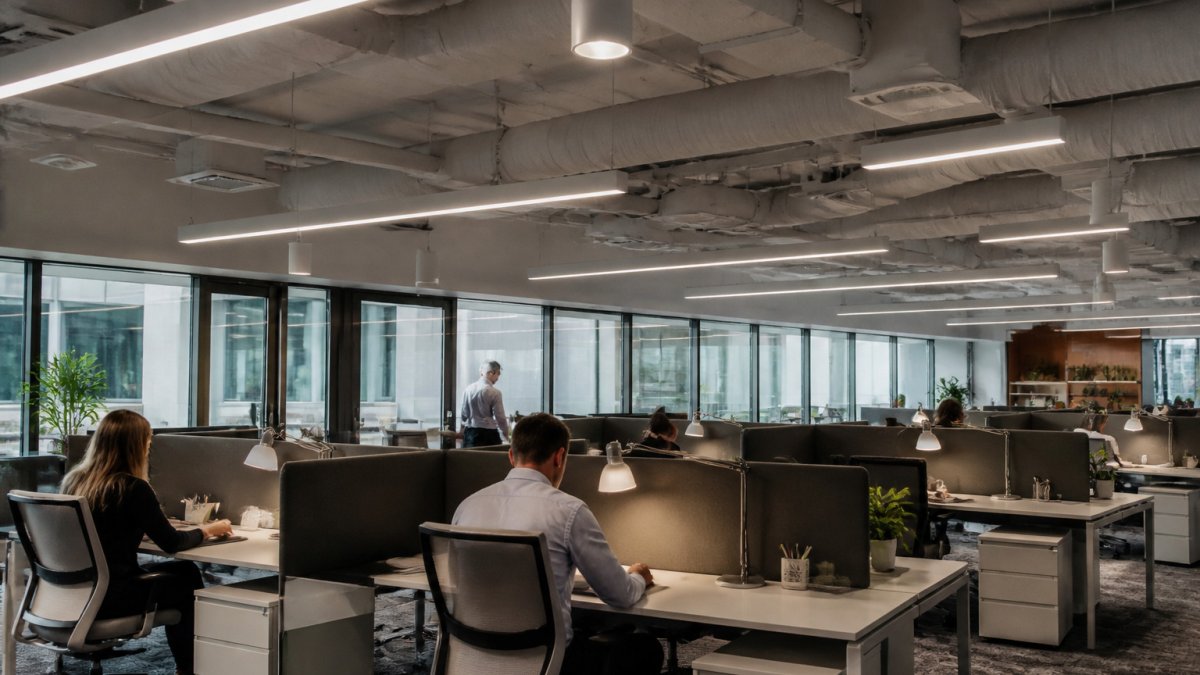
Relying on a single overhead fixture often leaves some desks too bright and others too dim. Adding adjustable task lamps lets each person set their own level.
Step 5: Control Glare and Set Up Each Workstation
Glare happens when bright light reflects off screens or shines directly into the eyes. Position each monitor so its top edge sits at or slightly below eye level, and keep it at a right angle to windows.
Set up each workstation with care:
- Adjust screen brightness to match the room, and learn how to adjust an ergonomic chair for better posture so your seated position works with the lighting changes.
- Angle task lights away from the screen
- Use matte surfaces to reduce reflections
- Check each desk at the time of day when sun is strongest
Step 6: Meet OSHA Lighting Requirements for Office Spaces
Workplace safety regulators in the United States set general expectations for adequate light for safe movement and tasks. Review the OSHA workplace lighting guidance to confirm your space meets the basics.
Keep records of your lighting audit and any changes you make. This helps during inspections and makes future planning easier.
Booking Your Workspace Lighting Review With Office Furniture Warehouse
Lighting, layout, and furniture work best together. If you are planning a space, Office Furniture Warehouse’s team can help you think through layout and furniture choices.
Frequently Asked Questions
How does lighting affect employee productivity and wellness?
Lighting shapes how well people see, how alert they feel and how comfortable they stay across a workday. Poor contrast, glare and flicker can cause eye strain and headaches, which reduce focus on detailed tasks. Adequate light levels matched to the work, paired with glare control and access to daylight, generally support both comfort and performance. Start by checking whether your team reports eye fatigue or headaches at specific desks, since those spots often show the clearest lighting problems.
What color temperature works best for office lighting?
Most office tasks are well served by neutral white light in the range of about 3500K to 4000K, which balances alertness with visual comfort. Warmer light around 2700K to 3000K suits break areas and lounges, while cooler light above 5000K can feel harsh over long periods. Tunable white fixtures let you shift the color temperature through the day, which can be useful in spaces used for both focused work and meetings. Choose a color rendering index (CRI) of 80 or higher so colors and screens look accurate.
What are the OSHA standards for office lighting?
OSHA does not set a single numeric lighting standard for general office spaces, but its general duty clause requires employers to keep workplaces free of recognized hazards, and poor lighting that causes strain or accidents can fall under that obligation. Recommended light levels by task are published by professional lighting organizations and are often used as a practical benchmark. Review current federal workplace lighting guidance and your local building codes, then document any changes you make to your lighting.
Can natural light improve office employee health?
Access to daylight is linked with better comfort and mood for many workers, and it helps regulate the body’s daily rhythm. Position desks near windows where possible, use light-colored blinds that you can adjust, and avoid placing screens directly facing or backing windows, which causes glare. Where daylight is limited, tunable LED lighting can mimic some of its variation across the day. Results vary by building and by person, so test changes with your staff before committing to a full redesign.

