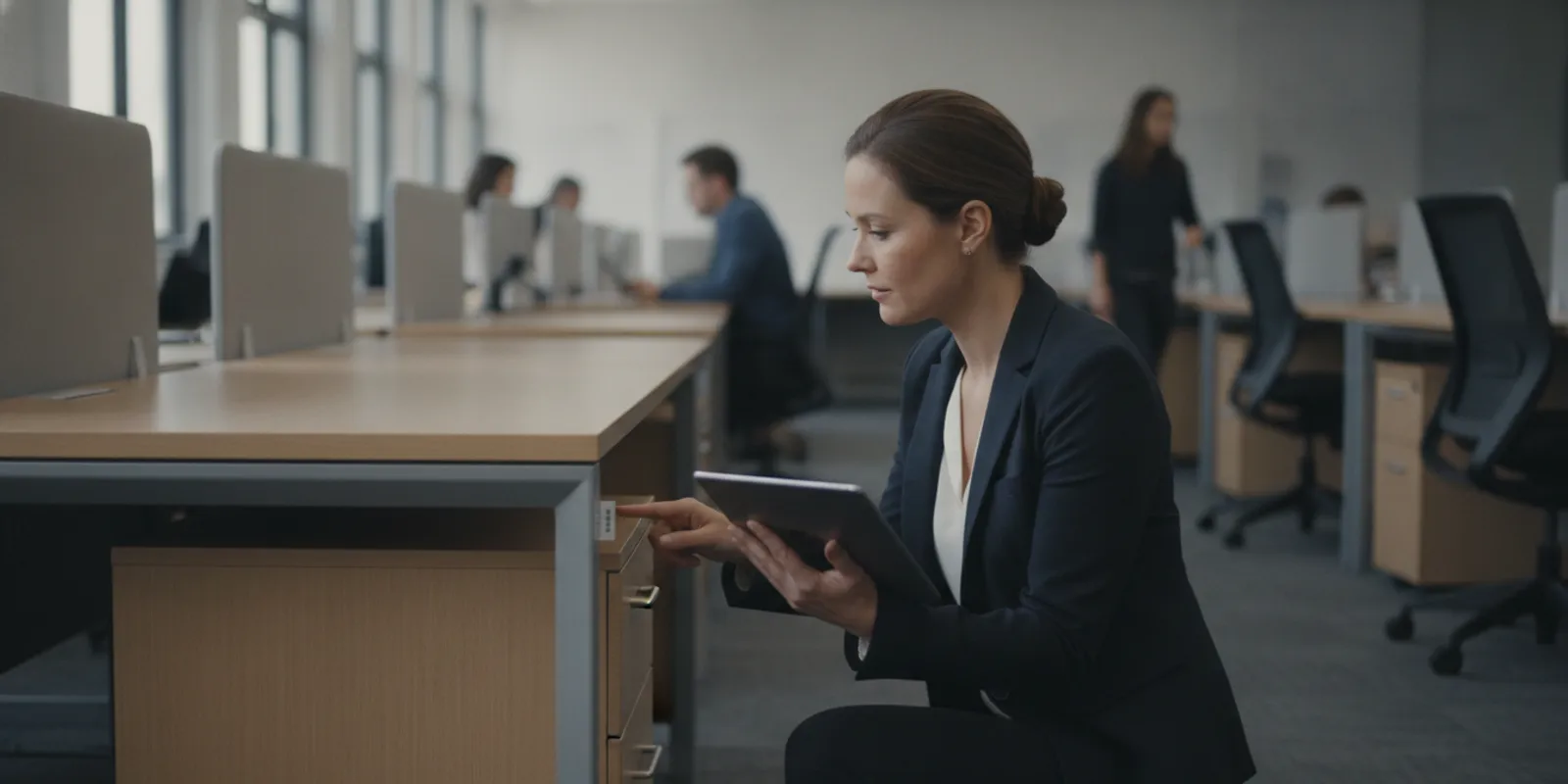
How do big offices keep track of furniture? They use a repeatable inventory process: assign each item an identity, record where it is and what condition it is in, update the record when it moves, and check the list against the real workspace on a schedule. If you are planning a furniture refresh, review Office Furniture Warehouse’s Cleveland office furniture services as part of your planning.
Call Office Furniture Warehouse at 216-431-2700 or request a project conversation.
Why do large offices track furniture?
A furniture inventory gives an organization a practical view of what it owns or uses, where items are located, and what may need attention. Without a shared record, staff may spend time searching for equipment, order a replacement for an item that is sitting in another room, or move furniture without telling the people who maintain the records. The larger and more dispersed the workplace, the more useful a consistent process becomes.
Tracking is not just an exercise in counting chairs. It can support everyday decisions such as preparing a new workstation, relocating a team, identifying furniture that is no longer needed, or building a realistic replacement plan. It also helps distinguish between furniture that is ready to use, furniture that needs repair or review, and furniture whose location is uncertain.
Start with a clear purpose. An office tracking system should answer the questions your team actually asks. For example:
- What furniture is in each office, floor, department, or storage area?
- Which items are available for reassignment, and which are already reserved?
- What condition is each item in?
- Which pieces are part of a planned move, refresh, or disposal decision?
- Who is responsible for approving updates to the record?
Keep the system proportionate to the workplace. A simple, well-maintained spreadsheet can be more useful than a complicated platform that no one updates. The essential requirement is not a particular software brand; it is an agreed process and a dependable record.
What information belongs in a furniture inventory?
Decide on a standard set of fields before collecting information. A consistent record makes it easier to search, compare, and update items. At a minimum, include an item type, a unique identifier, a location, and a condition. Add information that will help your organization make purchasing and move decisions without collecting details nobody uses.
- Unique ID: A short code that identifies one item. The same ID should appear in the record and on its physical label.
- Category and description: For example, task chair, desk, filing cabinet, conference table, or workstation. Add a brand or model only when it can be identified reliably.
- Location: Use a consistent hierarchy, such as building, floor, department, room, and workstation number. Specify storage areas too.
- Condition: Use a small set of shared terms, such as ready to use, needs inspection, repair needed, or remove from active inventory. Define what each term means.
- Status: Record whether the item is in use, spare, reserved for a move, in storage, or under review. Do not confuse condition with availability.
- Relevant dates: Record when the item was checked and when its location or status last changed.
- Notes or image: A brief description or photograph can help distinguish similar pieces, particularly when multiple items are stored together.
Keep fields practical. If no one can explain how a field will be used, leave it out at first. Avoid guessing at a model, purchase date, or ownership detail; mark information as unknown when it cannot be verified. A clear unknown is more useful than a confident but inaccurate entry. Federal offices may also need to follow agency-specific property rules, so check applicable guidance before setting the inventory fields; the U.S. General Services Administration is a starting point for federal property and workplace guidance.
Which tracking method works for a big office?
Organizations use different tools depending on the number of locations, the pace of moves, and the amount of detail they need. The methods below can work on their own or together. A label identifies the physical piece; a spreadsheet or asset system stores its record; and a floor plan can make locations easier to understand.
| Method | Works well when | What to watch |
|---|---|---|
| Spreadsheet or shared list | The inventory is modest, the fields are straightforward, and a designated person can maintain one shared version. | Control editing, standardize entries, and keep a dated backup. Multiple private copies quickly become inconsistent. |
| Physical labels with IDs | Staff need to match a record to a particular desk, chair, or cabinet during a walk-through or move. | Use durable, discreet labels and put them where staff can find them. A label does not replace the inventory record. |
| Floor plan or location map | Teams need to see furniture placement by room, floor, or zone, especially during a reconfiguration. | Keep the map aligned with the location names in the inventory and update it after approved changes. |
| Dedicated asset or facilities system | Several teams or sites need controlled access, assignment histories, or more structured workflows. | Define ownership, update responsibilities, and staff training before importing a large amount of data. |
Do not choose a tool just because it offers the most features. First, sketch the workflow: who adds items, who approves a move, who can change a status, and who checks records for accuracy. Then choose a tool that makes those steps easy. If the team cannot keep the record current, more technology will not solve the basic process problem.
How do you keep the inventory consistent across departments?
Large workplaces often have several people reporting changes. Give them one short set of instructions: which fields to complete, where to send an update, and whom to contact when details are unclear. Use the same category names and condition terms in every department. If one team calls a piece a “work table” and another calls it a “desk,” searches and counts can become unreliable.
Limit editing of the master record to the people responsible for maintaining it, while making it easy for others to report a move or correction. Keep a dated change log for important updates. It can be a simple note with the item ID, old and new location, date, and person who requested the change. The aim is to understand why the current record says what it says, not to create unnecessary paperwork.
Before a large survey, provide a brief checklist and a sample completed record. Ask two people to inventory the same small area and compare results. If they use different labels or interpret the condition scale differently, clarify the instructions before the full count. That small test can prevent inconsistent entries across an entire building.
Call 216-431-2700 to talk through furniture for your office.
How can a large office build a dependable tracking process?
1. Set the scope and assign ownership
Decide what is included. One organization may count only shared office furniture; another may also track assigned desks and stored pieces. Write down the boundary so two departments do not make different assumptions. Name a person or team responsible for the master record, and identify who can report changes in each area.
Make responsibilities specific. For example, a team lead might report a workstation move, while a facilities coordinator updates the official location. The exact roles vary, but every change should have an owner. If everyone is assumed to own the record, often no one does.
2. Choose location names before tagging items
Agree on building, floor, room, and zone labels first. Avoid using nicknames that only one team understands. A consistent location format lets staff filter a list and compare it with a floor plan. If an item is in a loading area or warehouse, identify that storage location clearly rather than marking it simply “off site” or “miscellaneous.”
3. Survey the space in manageable sections
Start with one floor, department, or storage zone. Record each item once, apply its identifier, and confirm the location before moving to the next section. Where furniture is grouped, count carefully and distinguish similar pieces with a short description or photo. A pilot area lets the team test its categories and instructions before expanding the process.
Keep a list of unresolved items instead of silently skipping them. A chair with no visible label, an item in an unexpected room, or a desk with unclear ownership can be marked for follow-up. That creates a useful exception list without allowing uncertain information to become fact.
4. Record changes when they happen
Furniture moves during office changes, repairs, team growth, and storage cleanouts. Set a simple way to report the move and update the master record promptly. At minimum, capture the item ID, old location, new location, change date, and person reporting it. For larger projects, make an approved move list before work begins and reconcile it after the move.
Define how to handle temporary moves. If a chair is borrowed for a meeting or a desk is being repaired, decide whether those events need a status update or whether the inventory tracks only longer-term placement. A written rule prevents short-term exceptions from becoming permanent inaccuracies.
5. Check the record against the real workplace
Schedule physical checks based on how quickly the furniture changes and how important the record is to your operations. A walk-through can focus on a sample area, a high-movement department, or the full inventory. Compare the list with what is physically present and record discrepancies for follow-up.
Measure progress by resolving differences, not just by completing a count. If an item is missing from its recorded location, find out whether it moved, was removed, or was recorded incorrectly. If something has no record, identify it and decide whether it belongs in the inventory. Keep the date and scope of each check so the next reviewer knows what was actually verified.
6. Use the information to plan, not just to file
Review the inventory before a furniture purchase, office move, or refresh. Sort by category, location, condition, and status to see what is already available. Ask department contacts to confirm future needs and likely changes. This can help separate a true shortage from furniture that is simply in the wrong place.
Inventory is a planning aid, not an automatic buying decision. A listed chair may not suit the person or task that needs it; a desk may not fit a room or layout. Confirm dimensions, function, condition, and intended use before reassigning or ordering. When a project needs several categories at once, browse available office furniture categories as one part of comparing options.
How should teams handle moves, storage, and replacement?
Furniture records are most likely to drift during transitions. A move plan should identify what is staying, relocating, going into storage, or leaving active use. Assign a destination to every item that is moving, and keep an exception list for anything whose destination is not yet confirmed. After the move, check the new locations rather than assuming that the plan was followed exactly.
For storage, record the specific area and make items findable. Grouping similar furniture can make a count easier, but avoid treating a whole group as one asset if individual items need separate assignments or histories. If chairs, desks, or other pieces are being considered for reassignment, describe their condition consistently and inspect them before making a decision.
Before replacing furniture, review the current inventory and the work the space needs to support. A department might need a different mix of desks, chairs, or meeting surfaces rather than simply more of the same item. If desks are part of the plan, compare sizes and styles in the desk selection. For shared meeting areas, review office and conference tables against room use and available space.
New and pre-owned furniture can both be considered. For a pre-owned piece, check its current condition and suitability rather than relying only on the brand or description. If a team has a preference for particular manufacturers, it can use that as a search filter, but the specific item, dimensions, and availability still need to be confirmed. For example, the Haworth listings and Steelcase listings can help a buyer see product options; they are not a substitute for verifying the exact piece under consideration.
What should you ask when selecting furniture for a multi-room project?
A good inventory helps you explain what is already in place and what is missing. Before comparing suppliers or products, prepare a short project brief. Include the number and type of work areas, the rooms involved, approximate dimensions, timing, and any furniture you plan to reuse. Mark what is confirmed separately from what is still being considered.
- Which existing items will remain, and where will they go?
- What functions must the new furniture support: individual work, shared meetings, reception, storage, or another use?
- Which dimensions and room constraints need to be checked before selection?
- Are new, pre-owned, or mixed options worth comparing for this project?
- What pickup, delivery, setup, or installation details should be discussed?
- Who can approve a substitution if a specific item is not available?
A local showroom visit can make it easier to inspect furniture in person and discuss practical fit questions. Office Furniture Warehouse serves Northeast Ohio buyers with new and pre-owned furniture and services that include delivery, setup, installation, and planning. The Cleveland showroom and warehouse at 4100 Payne Avenue gives local buyers a place to review options and discuss a project in person. Bring a list of needs and measurements so a conversation can focus on your actual project. You can also learn more about Office Furniture Warehouse and its local inventory.
Explore Cleveland office furniture services or contact Office Furniture Warehouse to discuss your project.
Frequently Asked Questions
Do large offices need special software to track furniture?
No. The right method depends on the scale and complexity of the inventory. A shared spreadsheet, consistent item IDs, and a reliable update process may be enough for one workplace. A larger organization with multiple sites or frequent moves may need a dedicated system. In either case, assign ownership and keep the record current.
Should every chair and desk have a label?
Label items individually when staff need to identify or locate them separately. If furniture is managed in stable groups and there is no need for an individual history, a category count by area may be sufficient. Decide based on how the information will be used, and apply the same rule across comparable areas.
How often should an office furniture inventory be checked?
There is no single schedule that fits every office. Check more often where furniture moves frequently or where accurate locations are important for upcoming work. Also reconcile the record after a major move, reconfiguration, or refresh. Document what was checked and when so staff do not mistake an old count for a current one.
Can an inventory help reduce unnecessary furniture purchases?
It can reveal furniture that may be available elsewhere in the organization, but the list alone cannot confirm that an item suits a particular person, task, or room. Verify its condition, dimensions, and fit before reassigning it. Then compare remaining needs with the available new or pre-owned options.
Ready to plan an office furniture refresh?
Start with a reliable list of what you have, where it is, and what your teams need next. That gives you a more useful basis for comparing furniture, preparing a move, and discussing delivery or installation. For help exploring furniture options in Northeast Ohio, contact Office Furniture Warehouse and share the scope of your project.
